DriveHub
SUPPORT / HOW TO
Prepare a Finnish travel expense claim for payroll
Choose who pays for the car, review the work trips and hand payroll a matkalasku with the right supporting log.
Updated
← All support answers01 / 05
Set up your Finnish claim and vehicles
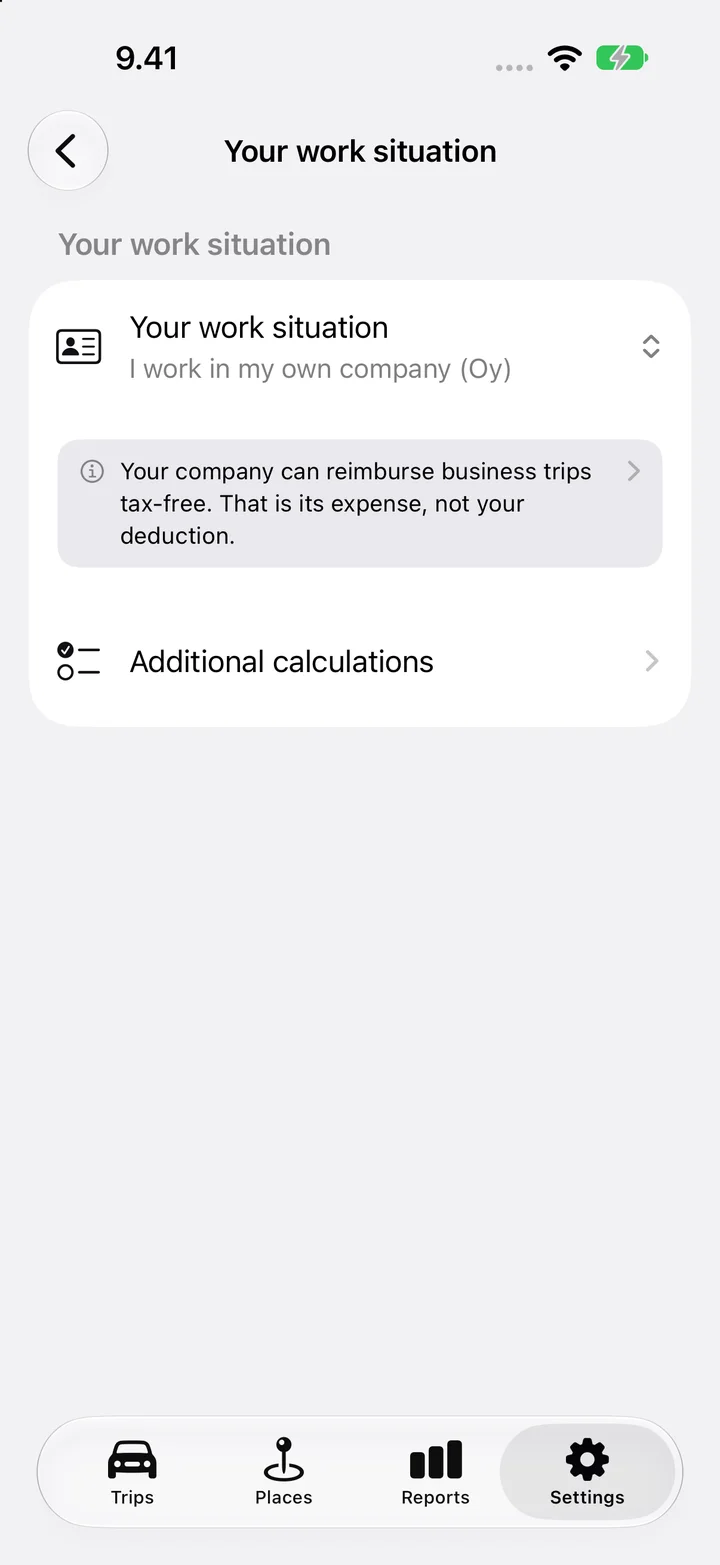
Open Settings → Your work situation and choose the answer for an employee whose employer reimburses work driving. If you work in your own osakeyhtiö, choose I work in my own company (Oy). Your company is the payer of your claim; this payment is separate from a personal deduction.
Open Settings → Your car → your vehicle. Set Vehicle accounting country to Finland and choose who owns the vehicle and pays its fuel or charging. A private car, a company car whose energy you pay and a company car whose energy the company pays produce different claims. Keep separate vehicle records when you use more than one.
In Settings → Report Details enter the claimant and payer details needed by the recipient. Set the report language for payroll separately from the language of the app. Check Pro access before the first export deadline.
- Choose the work situation, then open each vehicle and check its ownership, vehicle type, energy and Finnish accounting country.
- Add each employer in Settings → Employers when you work for more than one; enter its actual agreed payment policy.
- Record a dated dashboard odometer reading before relying on period totals.
02 / 05
Review each workday before it becomes a claim
Open Trips → To check and answer Business, Personal or Commute. For Business, add a purpose that identifies the work and customer or order. A home office is not a separate regular workplace merely because you save its address.
Open a work trip and use More details for passengers and Finnish Rate supplements. Mark only the passengers, load, towing or forest-road distance that applied to that trip. A typed employer or vehicle rate is not automatically raised by the official supplements.
When two employers share your car, check the Employer on each business trip. At a year boundary or after importing old trips, inspect those dates in the report rather than replacing their historical rate with today's figure.
- Review the day’s trips and the vehicle selected for each.
- Correct the purpose, employer, distance or classification on the trip.
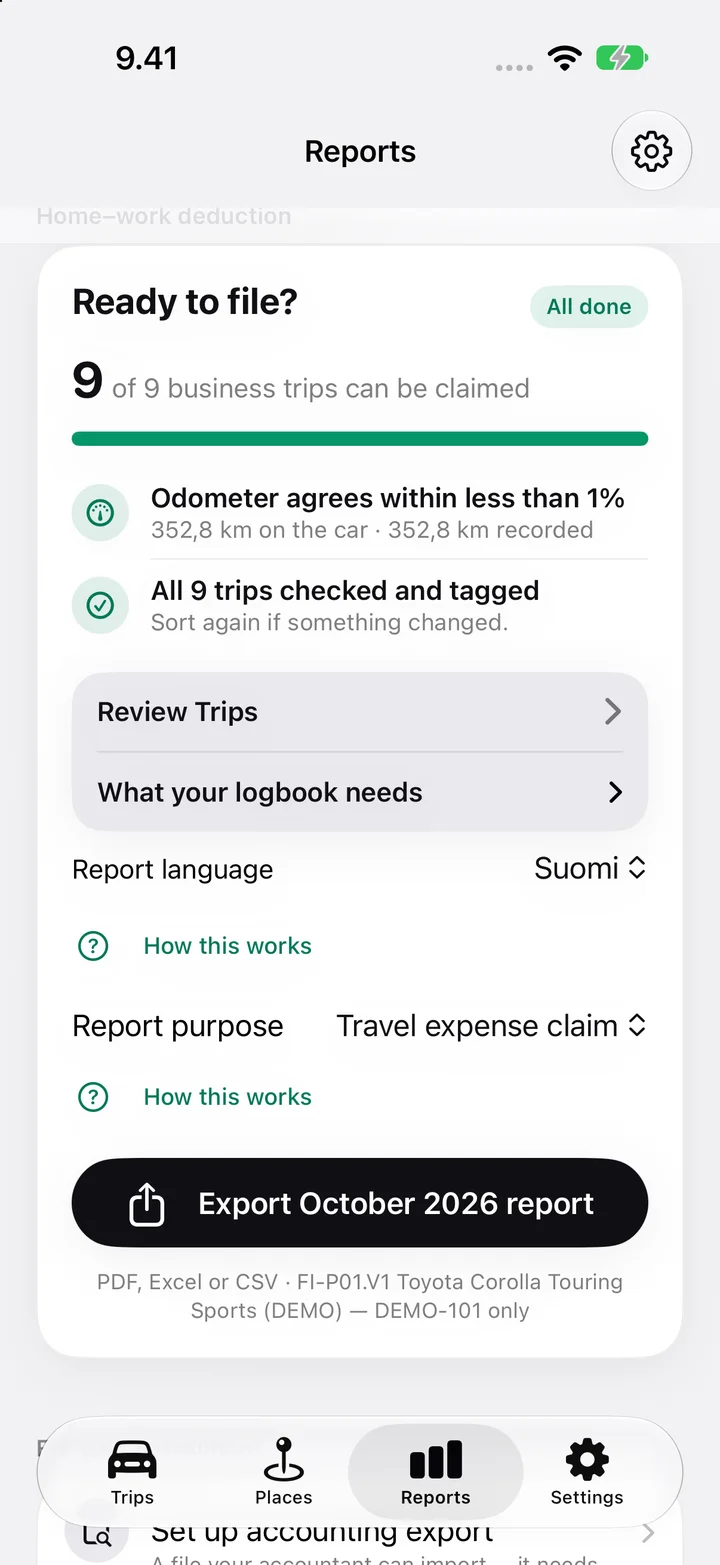
- Check Ready to file? for the selected period and resolve missing details and odometer evidence.
03 / 05
Confirm the journey behind a Finnish per diem
For the Finnish employee claim, choose the vehicle and period in Reports and open Travel expense claim → Set up per diems, or Edit per diems if journeys exist. Review Suggested from your log or use Add a journey by hand. The journey's leaving and returning times can differ from the times the car moved.
Confirm the business journey and its actual times, answer the distance question in the form, and answer The journey stayed in Finland. For a journey abroad choose Country the travel days ended in, then answer the free-meal questions for each allowance period. Meals included in a ticket or hotel count when the form asks about them.
Read the journey result and any unanswered or uncalculated message before sharing. Driving in Sweden does not by itself change a Finnish vehicle's mileage rate or establish the foreign per diem. The claim records the calculated maximum; the employer decides the payment.
- Open each suggested journey and correct its times and purpose.
- Answer distance, domestic or foreign journey and meal questions; confirm and save.
- Return to the claim and inspect Per diems and meal allowances and the journeys needing answers.
04 / 05
Send the company-car evidence payroll needs
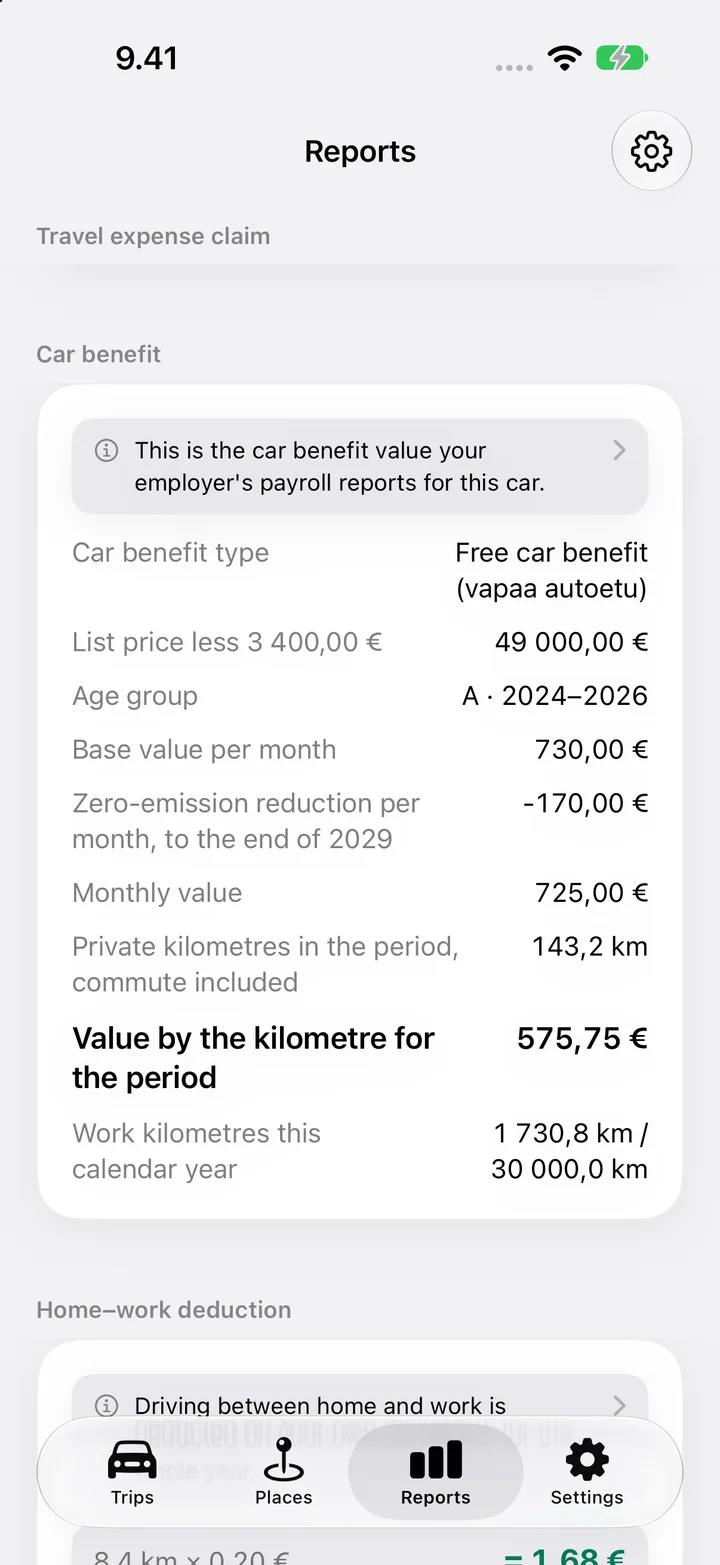
For a company car, open Settings → Your car → your vehicle and enter List price with accessories and First-use year from the car's records. Turn on Car benefit is based on private kilometres only when payroll uses that method.
Keep the complete driving record, including Commute and Personal, and enter the actual odometer readings requested on trips. In Reports check Car benefit, its private-kilometre figure and the daily kilometre appendix. A month’s log is not a complete annual business-kilometre record.
When you pay the company car's energy, check the work-driving reimbursement separately from the taxable car-benefit figure. When the company pays the energy, a work-driving log can still support the benefit calculation while no per-kilometre reimbursement is payable. If the fuel payer changes, correct the vehicle's ownership/payment choice and review the change’s historical effect before exporting again.
For an owner-employee, give the company or its bookkeeper both the claim and the benefit evidence needed for payroll. Removing private trips does not establish that a car has no private use.
- Check the vehicle’s benefit inputs and the private-kilometre method with payroll.
- In Reports choose the vehicle and clear any employer filter to see Car benefit; then return to the required employer scope for its claim.
- Review the selected month’s Car benefit card and requested odometer evidence.
- Preview the filing document and daily totals; retain the full personal journal privately.
05 / 05
Export a separate, checked claim for each recipient
In Reports select the month, vehicle and employer. Choose Travel expense claim under Document and the recipient's report language. Preview the PDF and check the claim number, claimant, payer, work purposes, kilometres and total. With an employer rate above the official maximum, check both tax-free and taxable parts.
Export PDF and Excel if payroll requests both. Repeat for each employer and each vehicle. The current workflow produces separate vehicle claims; it does not combine a car and boat or motorcycle into one claim. Compare the claim numbers and avoid counting the same personal per diem twice across vehicle claims.
For a boat, ATV or motorcycle, confirm the vehicle class and the trip's measured distance. Add a missed or unrecorded leg manually from the trip meter or other actual measurement; do not count a ferry crossing as car driving. DriveHub does not offer a separate higher-power motorboat rate choice. Confirm the applicable treatment with payroll rather than assuming the displayed boat amount fits that vehicle.
Send the checked filing files to the employer or your own company's bookkeeper using the share sheet. A Full personal journal includes private routes and notes and is for your own records. After any correction, create and check a replacement report and identify it to the recipient.
- Preview each recipient’s claim and verify it contains no other employer’s trips or private route details.
- Share the agreed files and retain a copy of the submitted version.
- For an accounting destination, follow its separate setup and verify the imported result with the bookkeeper.